 Yatri Studio
Saved templates
Reuse any recreated reel with new clips, as often as you like.
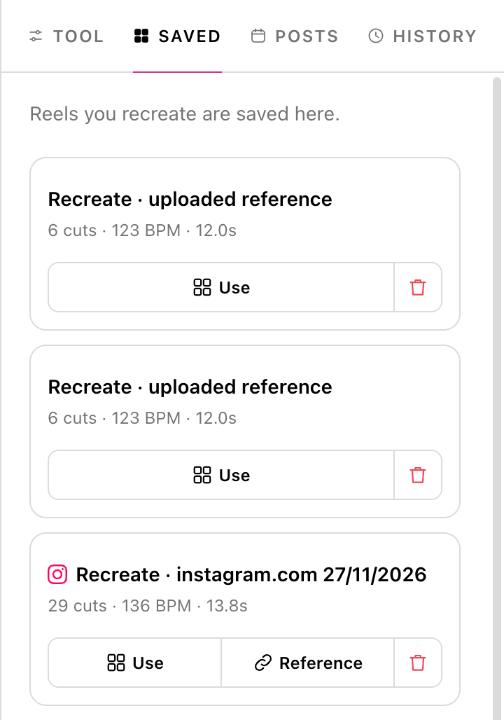
Every time you run Reel Recreate, the edit is saved: the length of each cut, the beat, the colour look, the captions and the song. You can drop new clips into it whenever you want, without downloading the reference again.
Use a template
- Open the Saved tab on the right.
- Click Use on the template you want.
- Add your new clips.
- Press Run.
You can also select Saved Templates in the sidebar and choose the template from the list. Without a choice, the newest one is used.
Ideas
- Build a weekly series with the same edit and new footage each week. Your audience starts to recognise it.
- Keep one template per format: a fast intro, a slow travel edit, a product reveal.
- Change the caption style per use without touching the template.
Click Delete to remove a template. Videos you already made with it stay where they are.