 Yatri Studio
Split Shots
Cut any reel into clean original footage: each shot as its own clip, with black bars, on-screen text and music removed.
Split Shots finds every cut in a reel and saves each shot as its own video file. Use it to study how a reel is built, reuse your own old reels as raw footage, or feed the shots straight into Reel Recreate.
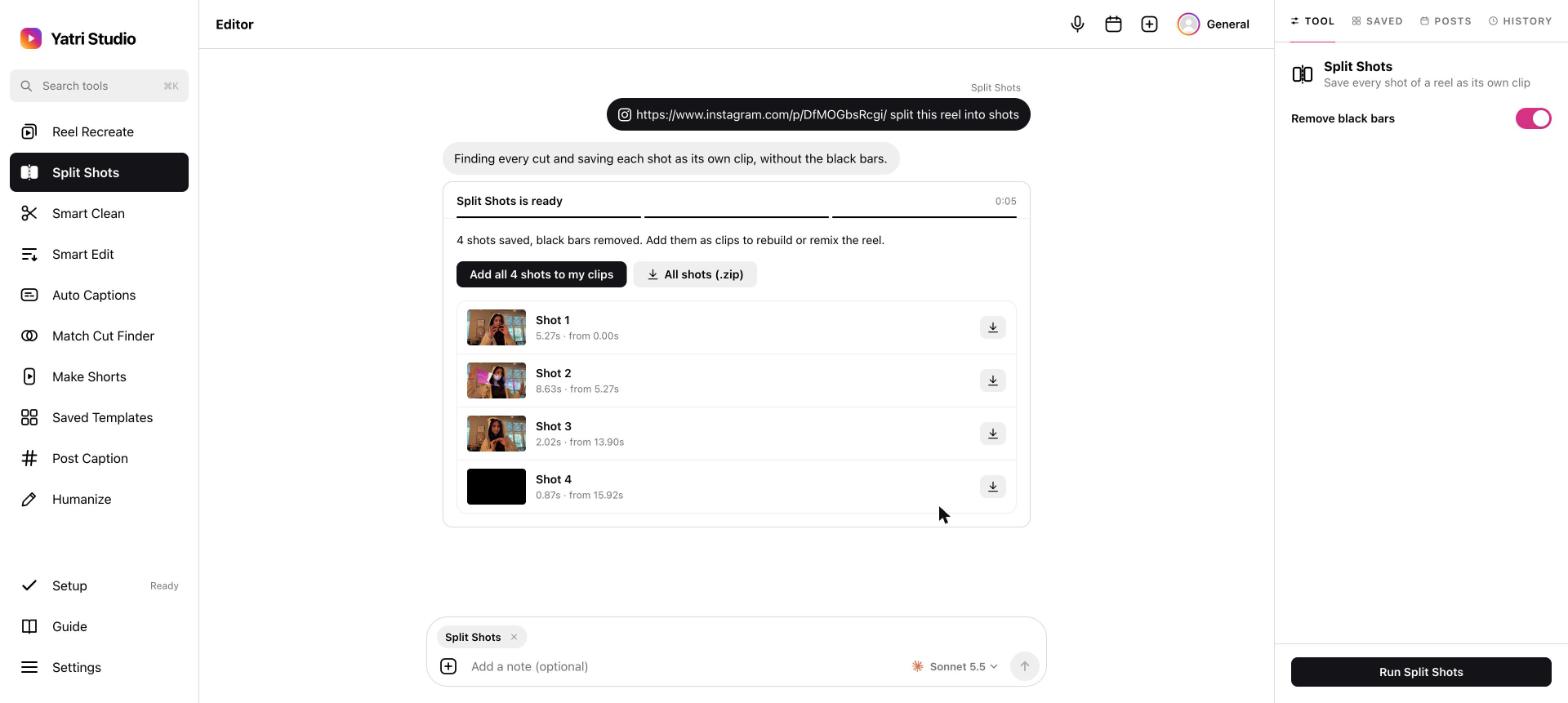
Try it
- Select Split Shots, or type
/split. - Paste a reel link, or add a video.
- Choose what to clean:
- Remove black bars: crops to the picture.
- Remove on-screen text: finds burned-in text with Apple's text recognition (even sideways or handwritten styles) and paints it out.
- Take the music off: shots come out silent and the song is saved on its own.
- Press Run.
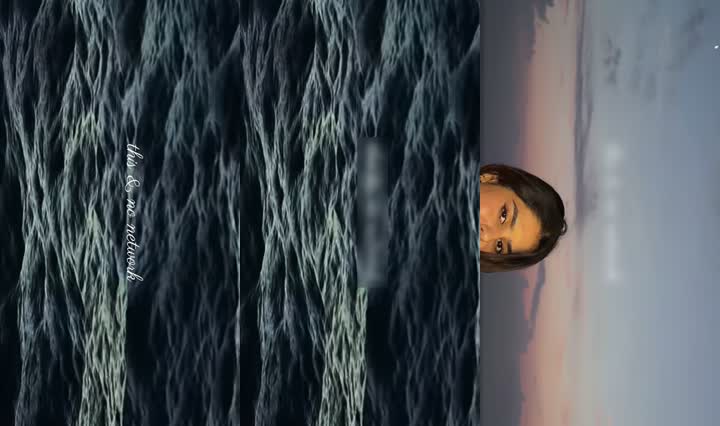
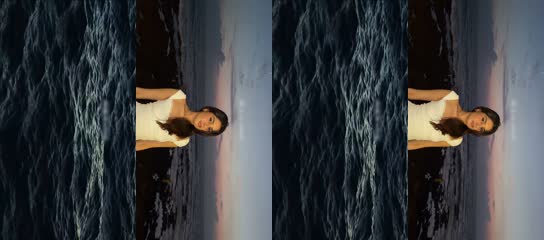
Text removal blends the area from its surroundings. On busy, moving textures like water you may still see a faint soft patch. On plain areas like sky it disappears.
You get:
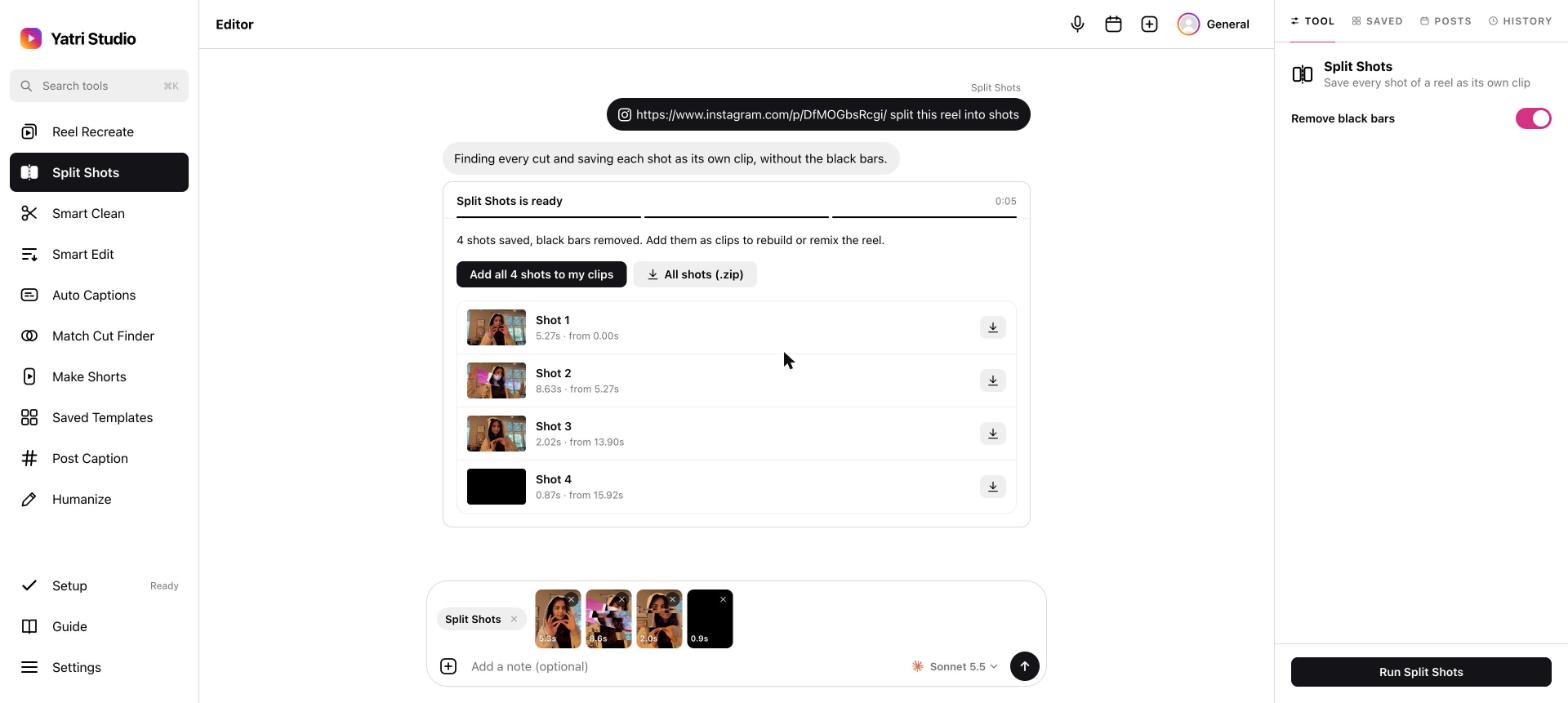
- every shot with its length and where it starts in the original, each with a Download button
- All shots (.zip)
- Whole project (.zip): the clean shots, the song, and Premiere, Resolve and Final Cut timelines that rebuild the original edit
- Add all shots to my clips, which puts them in the message box ready for the next tool
Example
This 16.8-second reel is filmed in landscape and shown inside a vertical frame with black bars. Split Shots found its cuts and saved 5 clean landscape shots with the bars removed and the music separated.
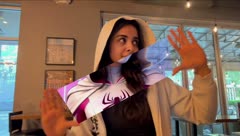
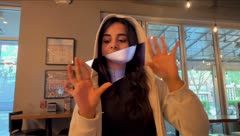



Footage: @shreyapabalkar, used with permission.
Most of the costume change happens inside long shots behind hand-swipe transitions, so there are only a few real cuts. Shot 3 is a 0.17-second sliver: the edges of a glitch effect register as two cuts. Split Shots only splits at cuts. It won't chop a continuous shot into pieces.
The 47-shot beach reel splits into 47 clean shots with its sideways text overlay removed:
Then rebuild it
Add the shots as clips, paste the same reel link, and run Reel Recreate. Look matching puts each shot back in its place, even if you add them in a random order.
Get the best result
- Hard cuts split cleanly. Crossfades, whip pans and hand-swipe transitions often stay inside one shot.
- Every shot is re-encoded at high quality and cut on the exact frame, not on the nearest keyframe.
- Only split reels you made, or have permission to use.