 Yatri Studio
Post caption and Humanize
Write an Instagram caption that sounds like you, and strip the AI tone out of any text.
Two writing tools. Post Caption watches your reel and writes the caption. Humanize rewrites any text so it stops sounding like a chatbot. Both use the humanizer from blader/humanizer (MIT licence), which is built on Wikipedia's guide to the signs of AI writing.
Post Caption
- Add the reel (optional, but it helps the model know what you said).
- Type
/captionand a short brief, for examplereel about cutting pauses. - Press Run.
You get a hook line, a short body and hashtags. Click Copy to paste it into Instagram, or Schedule to plan the post.
Real output for the sample reel:
Put your best line at the start of the reel. Cut the pauses and keep the
energy high. Viewers decide in 2 seconds, so open with the line that earns
the next 20. Try it on your next reel.

#videoediting #reelstips #contentcreator #editingtips #instagramgrowth
For a beach sunset reel with no speech, it wrote:
The sun went down and the sky put on a show 🌅

Golden hour with salt in the air. Turn the sound on and leave your
worries behind. Save this for your next ocean escape.

#beachsunset #goldenhour #oceanvibes #beachlife #coastalvibes
Reel: @nishthamenariaaa, used with permission.
Humanize
- Type
/humanize. - Paste the text.
- Press Run.
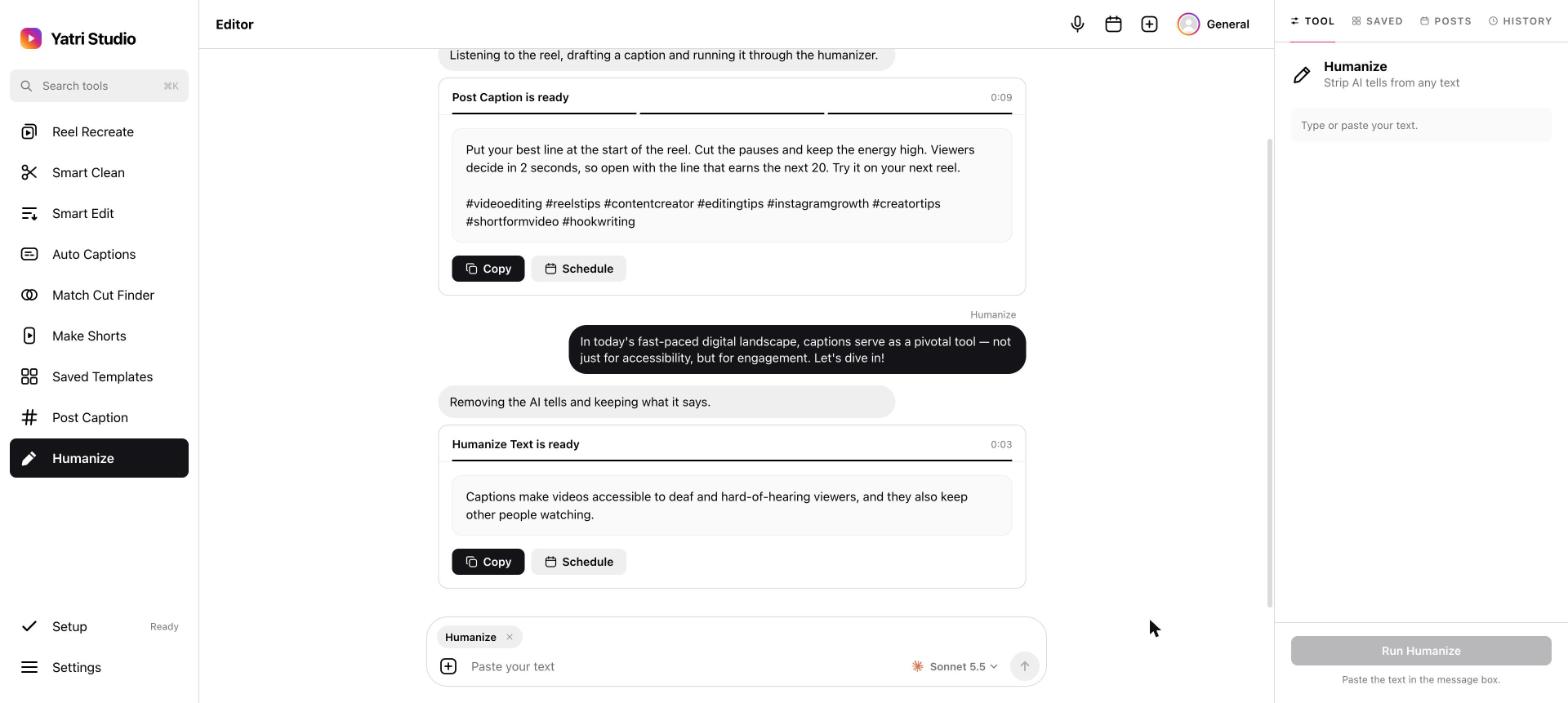
Real example:
| Before | After |
|---|---|
| In today's fast-paced digital landscape, captions serve as a pivotal tool — not just for accessibility, but for engagement. Let's dive in! | Captions make videos accessible to deaf and hard-of-hearing viewers, and they also keep other people watching. |
What it removes
The humanizer looks for 26 patterns. The ones you'll see most in captions:
- "Not just X, but Y" contrasts that add drama without saying anything
- Openers like "Let's dive in", "Here's the thing", "In today's world"
- Words like delve, landscape, pivotal, seamless, elevate, unlock
- Ideas forced into groups of three
- A dash in every sentence
- Sales words like stunning, breathtaking, game-changer
- Chatbot leftovers like "I hope this helps"
It keeps your facts, names and numbers exactly as they are. If the text has no tells, it comes back unchanged.
Make it sound like you
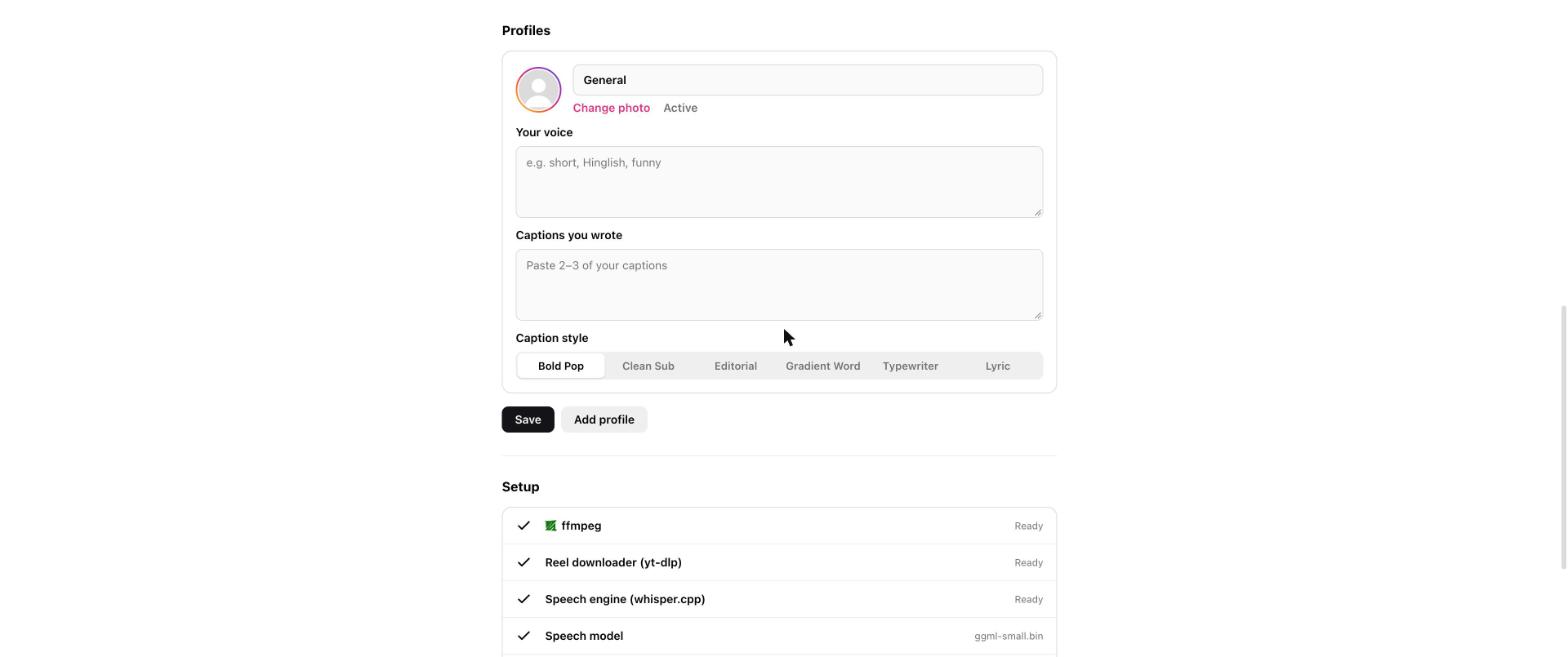
Open Settings › Profiles and fill in two boxes:
- Your voice: a few words, such as "short, Hinglish, a little cheeky".
- Captions you wrote: paste two or three captions you wrote yourself. The humanizer copies their sentence length, word choice and punctuation.